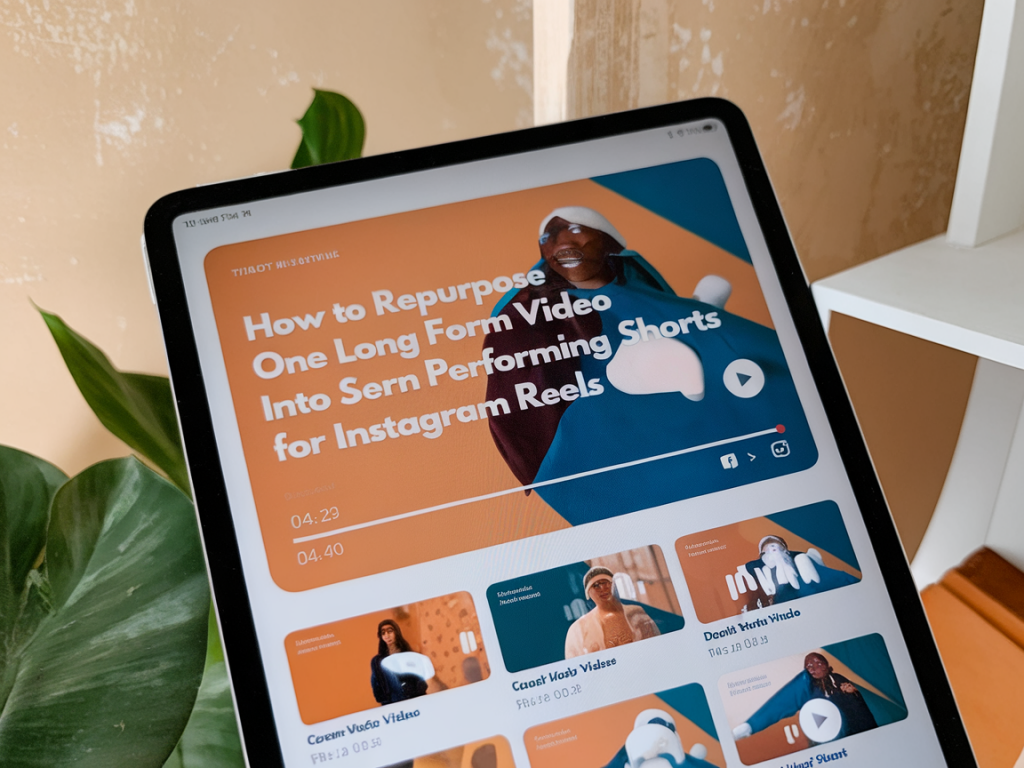
I often get asked how one long-form video can feed an entire social content pipeline — and specifically how to turn a single piece of footage into multiple high-performing Instagram Reels. I’ve built repeatable workflows for this at Mediaflash Co that balance speed, storytelling and platform nuances. Below I’ll walk you through a pragmatic, hands-on method to repurpose a single long-form video into seven distinct Reels that each serve a specific purpose: hook, education, behind-the-scenes, social proof, evergreen tip, trend splice and CTA-driven clip.
Start with the right long-form asset
Not every long video is equally repurposeable. I look for content that contains clear moments of value: strong opening lines, clear micro-stories, teachable steps, memorable quotes, or visible demonstrations. Podcasts, interviews, how-tos, product demos and keynote talks are gold mines because they contain many standalone takeaways.
When planning the original shoot, keep these simple guidelines in mind to make repurposing painless:
Map seven content ideas before you edit
I always map potential short formats before I start cutting. That prevents random snipping and gives each Reel a clear purpose. Here’s the framework I use:
Each of these has a different goal: reach, engagement, education, credibility, discoverability, relevance and conversion. That mix keeps your Reels balanced and useful over time.
Find the best 30–90 second source windows
Open your long-form file in your editor (I use Premiere Pro and CapCut depending on speed needs) and scrub for 30–90 second windows that contain complete micro-narratives — a setup, the value, and a mini-resolution. Those windows are the easiest to adapt.
Use markers liberally. I mark: Hook, Teachable Moment, Quote, Visuals, CTA, and B-roll. Later I export each marker range as a separate timeline or subclip for faster batching.
Crop and format for vertical-first viewing
Instagram Reels are vertical, so framing matters. I export in 9:16 and reframe shots where necessary. Two practical techniques work well:
For talking-head segments I scale the shot between 100–120% depending on how much headroom exists. For demos, use close-ups and split-screen where helpful to preserve context.
Hook first, value immediately after
For each Reel, craft a one-line hook that appears in the first 1–3 seconds. That’s non-negotiable. Hooks can be verbal (spoken line in the footage), text overlay, or an animated intro. Match the hook to the type of Reel:
Keep text overlays concise. On Instagram people scan with sound off, so captions and text are essential. Use the platform’s captioning or generate SRTs and burn them in during export for better accessibility.
Edits and pacing: fast cuts, audio clarity, simple motion
Short-form favors brisk pacing. I cut dead air, remove filler words where possible (a light “uh” removal helps), and tighten the rhythm so each clip feels purposeful. Add subtle motion to static shots — push-ins, slight pans, or a scale-up — to keep viewers’ attention. Don’t overcomplicate with flashy transitions; a quick cut often performs best.
Audio matters more than people think. Normalize levels so speech sits around -6 dB, reduce background noise, and apply a light compressor. For Reels using trending audio, match key cuts to the beat to increase engagement.
Use a content map (quick table)
| Short Type | Duration | Key Element | Example Hook |
|---|---|---|---|
| Hook | 7–15s | Bold claim + text | "You’re using Instagram wrong — here’s why." |
| Micro-teach | 30–45s | Step-by-step value | "Do this one thing to improve reach." |
| BTS | 15–30s | Process visuals | "Here’s how we filmed this scene." |
| Social proof | 10–20s | Results or quote | "We grew X by 3x in 6 months." |
| Evergreen tip | 20–40s | Timeless advice | "Always A/B test your thumbnail." |
| Trend splice | 10–25s | On-trend audio + footage | Use trending sound to react to a stat. |
| CTA | 10–20s | Clear next step | "Watch the full video — link in bio." |
Batch export and schedule strategically
I export all seven Reels in one session. Name files with prefixes that indicate publish order and purpose (e.g., 01_hook_final.mp4, 02_teach_final.mp4) so social schedulers like Later or Buffer can import them in sequence. Publish timing matters: lead with a hook reel to build reach, drop the micro-teach while engagement is high, and sprinkle social proof and BTS across the next few days.
Measure and iterate
Track performance per Reel against the goal you set. For reach-focused hooks, look at plays and saves; for micro-teach look at shares and comments; for CTA measure link clicks and watch time on the long-form asset. I maintain a simple spreadsheet that logs watch-through rate, saves, shares and follower growth per day. Use those signals to prioritize which short formats you should create more of.
Repurposing one long video into seven Reels isn’t about squeezing content for the sake of volume — it’s about re-thinking the story into micro-moments that fit how people consume on Instagram. With a simple map, good framing, tight edits and a publishing rhythm, one recorded hour can become weeks of high-value social content.