How to set up a two-hour creative review sprint in figma that halves feedback loops and speeds publisher approvals

How to set up a two-hour creative review sprint in figma that halves feedback loops and speeds publisher approvals

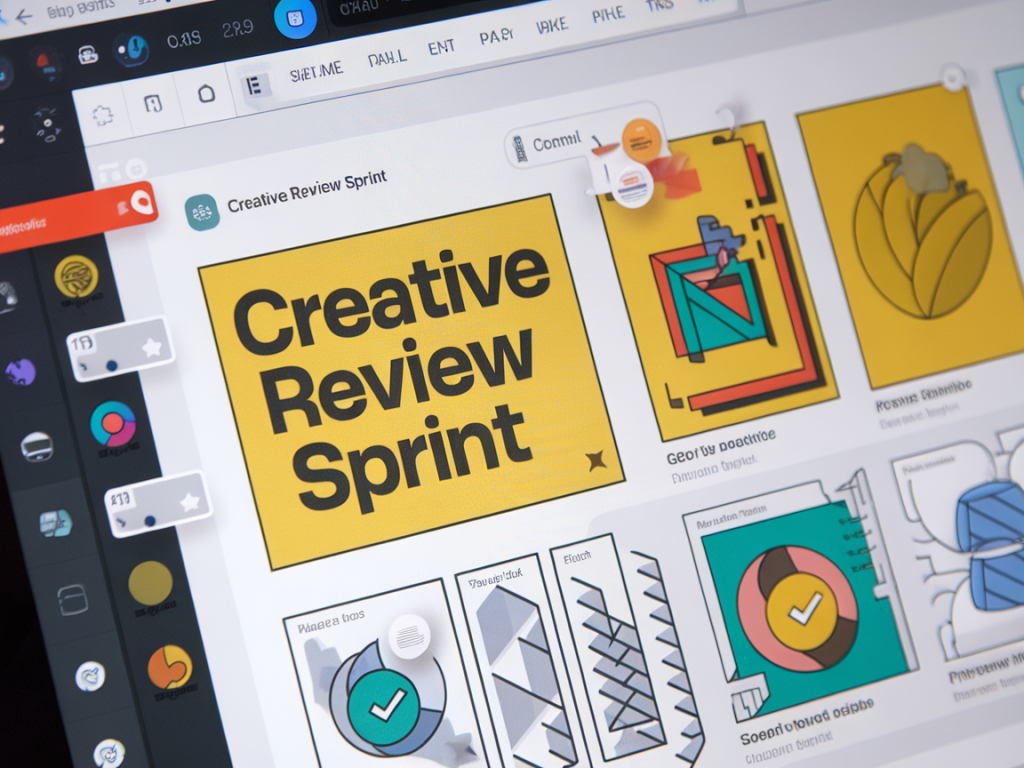
I run creative reviews differently now. After years of slow, threaded comments and approvals that stretched over days (sometimes weeks), I built a tightly structured, two-hour creative review sprint in Figma that routinely halves feedback loops and accelerates publisher approvals. The idea is simple: create a high-intensity, low-friction session that forces decisions, captures clear direction, and hands off illustrator-ready assets in one go.

Why a two-hour sprint?

Long review cycles are expensive: time-to-publish slips, momentum dies, and small changes accumulate into scope creep. A two-hour sprint gives reviewers a focused window to make choices while the creative team is present to interpret, iterate and lock down assets. It's not about rushing quality — it's about removing avoidable delays and ambiguity.

I picked two hours because it hits a sweet spot: enough time to review multiple screens or ad variants, test quick iterations in Figma, and leave with a clear action list. Anything shorter and you risk missing nuance; anything longer and attention wanes.

Core roles and who to invite

Keep the attendee list tight. Bring the people who can make decisions or provide essential input.

  • Design lead (host) — runs the session in Figma, updates files live.
  • Creative/Art director — ensures visual and brand consistency.
  • Copy owner — approves headlines, CTAs and microcopy.
  • Product/Publisher stakeholder — signs off on technical, UX or platform-specific constraints.
  • Engineer or production lead (optional) — flags handoff issues early.
  • Anyone who can’t make the session should be asked to delegate a decision-maker. That single constraint alone eliminates dozens of follow-up emails.

    Pre-sprint prep (what I do before the two-hour block)

    Preparation is where this process wins or loses. I spend about 30–60 minutes prepping, and I expect stakeholders to have skimmed the material before the sprint.

  • Package files — Create a single Figma file with a clear start frame, labelled pages (e.g., "To Review", "Rejected", "Approved"), and a top-level prototype that flows through the items in order.
  • Define decision points — Add sticky notes or a small annotation layer that lists what needs to be decided per screen: copy, imagery, CTA, responsive breakpoint, publisher metadata.
  • Share pre-reads — Send a short brief and Figma link 24 hours in advance with a clear agenda. Ask attendees to mark "Must discuss" items using Figma comments beforehand.
  • Set expectations — State that the goal is to arrive at actionable approvals or a single round of consolidated changes.
  • Session structure — a reliable two-hour agenda

    Here's the run-sheet I use. It keeps the meeting rhythmic and prevents digressions.

    Time Activity Outcome
    0–10 min Kick-off: goals, ground rules, highlight decision points Shared frame of reference
    10–80 min Item reviews: 6–8 screens/ads at 10 minutes each (5 min review, 5 min decision) Approve, iterate live, or mark for revision
    80–100 min Live iterate: designer implements agreed changes in Figma New versions ready for quick validation
    100–110 min Final validation: quick run-through of updated items Sign-offs captured in file
    110–120 min Handoff & next steps: assign owners, export specs, schedule publisher submission Handoff checklist completed

    As you can see, you don’t need to review 50 items. Prioritise the ones that block publishing. For publishers, that’s usually hero imagery, headline variation, CTA copy and meta descriptions.

    How I run the review in Figma

    Figma is perfect for this because everyone can see live edits and leave precise comments. Here’s my working method inside the file.

  • Use a "Decision" layer — Add a small card in the top-right of each frame with three tags: Approved, Requires Changes, Blocked. Toggle these live.
  • Live editing only with a single editor — The design lead edits; others comment. Multiple simultaneous edits cause confusion.
  • Record change rationale — When making a change, leave a short comment summarising why (e.g., "Changed CTA to 'Apply now' per publisher A's guideline"). This removes ambiguity later.
  • Version names matter — Publish a new Figma version after any substantive update with a short note: "v3 — headline revised per PO".
  • I also use Figma plugins to speed things up: Content Reel for copy variants, Unsplash or Pexels plugins for placeholder hero imagery, and Able for accessibility checks. For exports, I rely on Figma's built-in export settings and a tiny utility like Zeplin or Avocode when engineers need more detailed specs.

    Enforcing decisions without creating bottlenecks

    Two traps can derail the sprint: undecided stakeholders and scope creep. I solve these proactively.

  • Decision by delegation — If someone is absent, require a named delegate with sign-off authority. If not provided, escalate to Product/Publisher owner before the sprint.
  • Pre-define "non-negotiables" — Some items (brand colours, legal copy) are locked. Highlight those to avoid re-opening settled matters.
  • Time-box debates — Use an on-screen timer; if the team can't decide in the allotted time, capture the open questions and move the item to "Requires Changes" with a short owner note.
  • How to capture and enforce approvals

    Approval is enforcement. I do three things to make approvals actionable.

  • Explicit comment sign-off — Ask each approver to leave a single comment that reads "Approve — [Name]". This becomes an auditable trail inside Figma.
  • Publish a signed-off version — When an item is approved, create a Figma version labelled "Publisher Ready — Approved by [Name] — Date".
  • Export checklist — Immediately export required formats (JPG/PNG/SVG/MP4), upload to the publisher's system or shared drive, and attach the version link and approvals.
  • These small rituals remove the infamous "I thought we had approved that" exchange. The final Figma version and approvals are the single source of truth.

    Measuring impact and iterating the process

    Run this sprint a few times and measure three metrics:

  • Time from first review to publisher submission
  • Number of review rounds (comments that required another sign-off)
  • Publisher rejection rate and reasons
  • When I first ran this, time-to-submission dropped by ~50% and publisher rejections became far more predictable. Use those numbers to tweak the agenda: fewer items per sprint, different invite list, or more pre-reads.

    Common pitfalls I've learned to avoid

  • Inviting too many people — It dilutes decision-making. Keep it lean.
  • Skipping pre-reads — If stakeholders show up unprepared, you waste the sprint.
  • Allowing multiple live editors — It creates messy versions you then have to reconcile.
  • Not exporting specs immediately — Post-sprint delays often reintroduce the exact feedback you just removed.
  • Quick checklist to start your first sprint

  • Block a two-hour slot and confirm attendees with decision authority
  • Prep a single Figma file with labelled pages and decision cards
  • Share pre-reads 24 hours before
  • Use a single editor during the sprint and publish versions after changes
  • Require explicit comment sign-offs and export final assets to the publisher
  • This approach won’t fix poor briefs or unclear brand direction, but it will strip away much of the administrative overhead in creative reviews. Run this sprint within your creative studio, adapt the cadence to your workload, and you’ll be surprised how quickly approvals start to feel like an operational process instead of an emotional negotiation.

    You should also check the following news:

    Martech

    How to map zero-party data capture on your signup flow to improve personalization without legal risk

    07/02/2026

    Why I map zero-party data capture on signup flowsZero-party data—information that a user intentionally and proactively shares with you—has become...

    Read more...
    How to map zero-party data capture on your signup flow to improve personalization without legal risk