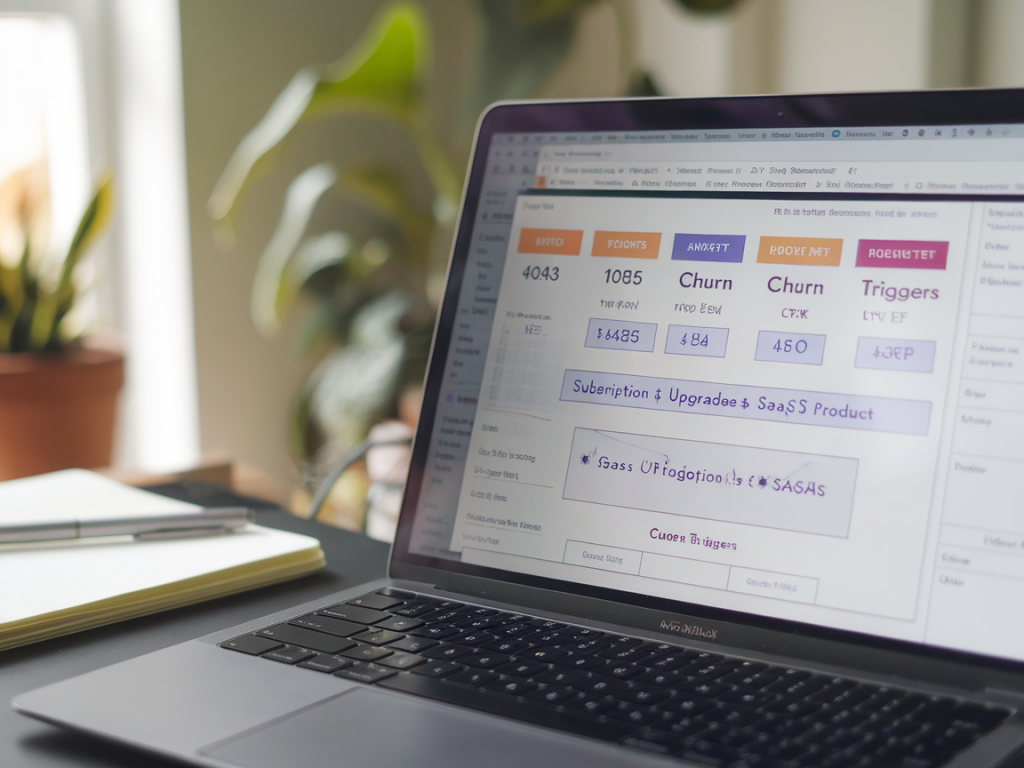
I’ve spent a lot of my time helping SaaS teams get analytics out of the messy parts of subscription businesses — upgrades, downgrades, failed payments and the small events that predict churn. GA4 gives us a flexible event model that’s perfect for subscription SaaS, but that flexibility is also a problem: without a clear schema you end up with fragmented events, duplicate revenue, and LTV numbers you don’t trust.
Why a strict event schema matters for subscription SaaS
In subscription businesses you’re not just tracking one-off purchases. You need to track recurring revenue, billing cycles, trials, plan changes, refunds, and the events that often precede churn (like payment failures or downgrades). A consistent GA4 schema helps in three ways:
High-level event list I standardise for every subscription SaaS
Here are the events I implement as minimum viable instrumentation for subscription products:
The exact event payload I send to GA4
Below is the core event schema I use. Consistency in parameter names is the single biggest win — use these exact keys across all events.
| Field | Type | Notes |
|---|---|---|
| event_name | string | One of the canonical names above (e.g. subscription_renew). |
| subscription_id | string | Unique, immutable ID for the subscription (not the order). |
| user_id | string | Your internal user ID (for deterministic joins in BigQuery). |
| plan_id | string | Product or plan SKU. |
| plan_name | string | Human readable plan label. |
| billing_cycle | string | e.g. monthly, annual. |
| billing_period_start | datetime (ISO) | Start of the billed period (UTC). |
| billing_period_end | datetime (ISO) | End of the billed period (UTC). |
| amount | float | Gross amount charged in the event currency. |
| currency | string | ISO currency code (USD, GBP). |
| tax | float | Tax component (optional). |
| discount | float | Discount applied (optional). |
| transaction_id | string | Unique charge/order id — use to dedupe revenue in GA4 and BigQuery. |
| cancel_reason | string | User-provided reason for cancellation (if available). |
| churn_trigger | string | Optional, e.g. payment_failed, user_request, non_renewal. |
Mapping GA4 recommended events / parameters
Where possible I map to GA4’s ecommerce and subscription semantics so built-in reports and integrations behave better. Example mapping:
When sending revenue I always include transaction_id and currency. That lets GA4 dedupe the same transaction if your backend and frontend both send the event.
How I handle upgrades, downgrades and proration
Plan changes are a common source of confusion. I surface both the change event and the financial effect:
By including proration_amount and referencing subscription_id + transaction_id you can clearly attribute any one-off charges to a plan change in BigQuery.
Churn triggers — the events you should prioritise
Not all cancellations happen cold — many are preceded by signals you can act on. Track these as discrete events:
Combine these into an audience like “high churn risk” (payment_failed OR (grace_period_started AND cancellation_page_viewed within 7 days)). That audience can feed retargeting and automated emails.
Lifetime value (LTV) — where to compute it
There are two pragmatic options:
Example BigQuery snippet I use (simplified):
| SQL |
| SELECT user_id, SUM(amount) AS total_revenue, COUNT(DISTINCT subscription_id) AS subscriptions FROM analytics.events WHERE event_name IN ('subscription_start','subscription_renew','purchase') GROUP BY user_id |
Dedupe rules and common pitfalls
Two common issues wreck LTV and revenue numbers: duplicate sends and mis-attributed renewals. My rules:
Implementation tips
Some practical advice from rolling this out across products:
Using audiences and conversions
I convert these events to GA4 conversions where they map to business outcomes:
Audiences I build from this schema include:
Validation checklist before you go live
Don’t deploy blind. My checklist:
Get the schema right once and you’ll get reliable LTV, accurate monetization reporting and early warning on churn. If you want, I can share a downloadable JSON schema you can drop into your dev docs or GTM templates — I’ve built a couple of reusable specs that save teams days of rework.