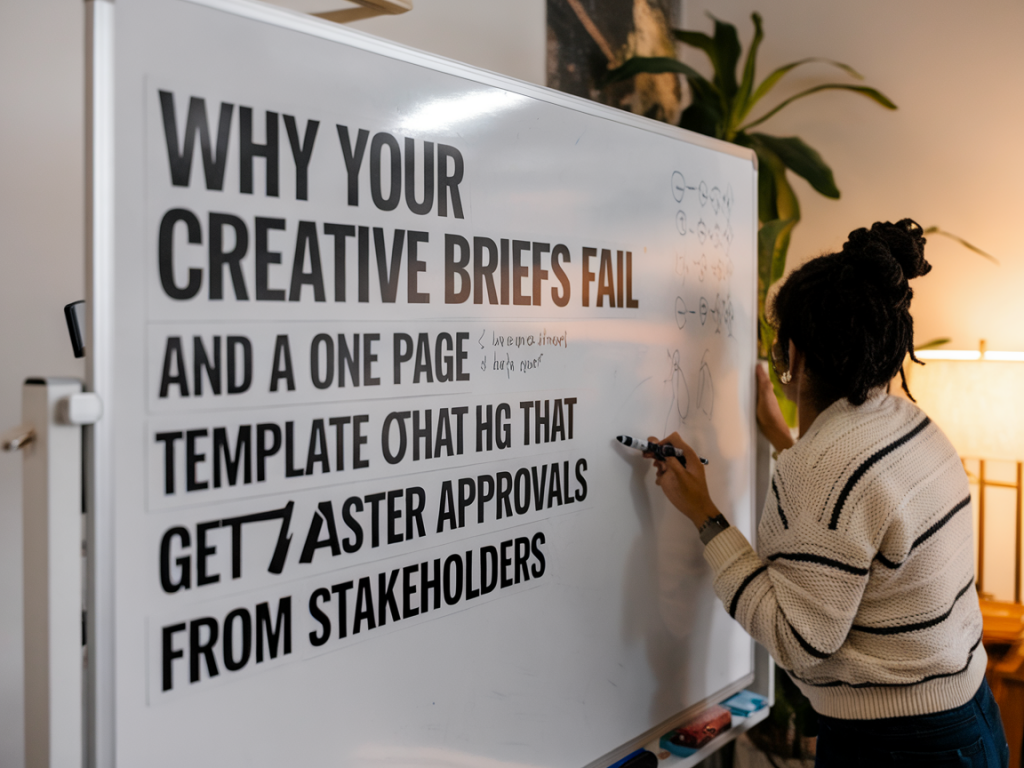
I’ve reviewed enough creative briefs to fill a small archive room. The ones that ship projects forward quickly are rare; most are either a dense PDF nobody reads or a vague Slack thread that spawns three rounds of “clarifying” feedback. If you’re frustrated by slow approvals, missed creative intent or endless revision cycles, the problem usually isn’t the creatives — it’s the brief.
Why most creative briefs fail
From my experience working with marketing teams and creative studios, failures fall into predictable categories. Here’s what I see most often.
Too much noise, not enough signal. Teams try to be comprehensive and end up with a 10-page brief full of backstory, brand history and optional reads. Nobody has time for that, so stakeholders skim and miss the critical points.Unclear decision rights. Who signs off on the creative? Who owns the budget? If multiple people can block, everything stalls while stakeholders jockey for input.Vague objectives. “Make it feel premium” sounds intuitive but doesn’t help the designer or media buyer. Objectives that aren't measurable create subjective feedback loops.Scope creep packaged as flexibility. Phrases like “can we also…” without constraints become permission to change direction mid-flight.No visual references or prioritized deliverables. Saying “we need social assets” without specifying formats, priority or examples forces creative teams to guess.Timing and dependencies hidden in chat. Deadlines buried in ephemeral messages cause last-minute squeezes and poor-quality work.What actually speeds approvals
Faster approvals happen when a brief does three things well: it reduces cognitive load, makes trade-offs explicit and assigns clear accountability. I use a one-page approach that forces prioritisation and gives reviewers exactly what they need to sign off quickly.
Make the ask bite-sized. If a stakeholder can answer “Yes, proceed” within 60–90 seconds, you’re in business.Use measurable goals. Link creative decisions to one or two KPIs — CTR, conversion rate, view-through — so the team knows what to optimize for.Limit choices. Present 2–3 creative directions, not an open-ended canvas. Decisions are simpler when options are constrained.Show, don’t tell. Add one or two visual references — moodboard images, competitor ads, or a quick Figma frame — so everyone shares the same mental model.Calendarise approval points. Put explicit checkpoints in the timeline and name the approvers for each.The one-page brief template I use (copyable)
Below is a compact template I put at the top of every project doc. I paste it into Notion, Google Docs or a Slack message and link to supporting materials (brand guidelines, product detail, data). It’s intentionally prescriptive — some stakeholders hate being boxed in at first, but speed beats endless debate.
| Field | What to write (example) |
| Project name | Spring Promo — 15s / 30s social video + hero static |
| Objective / KPI | Drive traffic to landing page; target CTR 1.5% on prospecting ads |
| Audience | Women 25–34, interest: sustainable fashion, lookalike from past purchasers |
| Single message | “Affordable sustainability — new spring collection, 20% launch” |
| Creative priority | 1) 15s video (Instagram Reels) — most important. 2) 30s video. 3) Static hero |
| Mandatories | Brand logo (bottom-left), product shots, CTA: “Shop the drop” with UTM |
| Tone & references | Warm, candid, product-as-hero. Reference: Everlane spring hero; see Figma moodboard link |
| Constraints / must-not | No influencer clips, no black backgrounds, keep text under 20% of frame |
| Timeline & approvals | Draft due: Wed 12 Apr. Creative review: Thu 13 Apr (Emma approves). Final sign-off: Mon 17 Apr (Head of Brand) |
| Budget / assets | Production budget £6k. Assets: product photography in /storage/SPRING23 |
| Contact / owner | Owner: Lucas (PM). Creative lead: James. Slack: #spring-launch |
How to use this template — practical tips
Two notes on workflow that make the template work in real teams.
Pre-fill and present. Don’t ask stakeholders to write the brief from scratch. Draft it, then present the one-pager in a 10-minute alignment meeting. That meeting is where the trade-offs are discussed and locked in.Lock decisions, allow iteration within limits. Use a redline approach: approvals lock the top-level direction (objective, single message, priority). Creatives can iterate on the execution while staying inside those constraints without additional approvals.Use tools that make review fast. Figma for visuals, Loom for quick walkthroughs, and a simple approval checkbox in Notion or Asana reduces back-and-forth. I’ve seen Figma comments replace a week of email chains.Reduce the approver list to a maximum of two people. One strategic approver and one brand approver. If more voices are needed, collect consolidated feedback before the “approval” step.Examples of trade-offs I explicitly call out
Being explicit about trade-offs removes the illusion that every brief can satisfy every preference. I write them down like this:
Trade-off: speed vs. polish. If we need launch-ready assets in 5 days, we’ll sacrifice custom animations for static hero imagery and simple cuts in video.Trade-off: reach vs. consistency. If we broaden targeting to lookalikes, creative must be more universal (less niche copy).Trade-off: brand vs. performance test. For A/B tests, one variant prioritizes bold thumbnails for performance, the other follows brand rules strictly. We’ll measure and choose.Common pushbacks and how to handle them
Stakeholders often push back on brevity: “we need all the context.” My response is pragmatic — provide the context as an appendix, not the headline. Put the one-pager at the top, then a “Read more” section with supporting docs.
“I need multiple stakeholders to approve.” Great — collect consolidated feedback in one pass. Nominate a single approver who can reconcile comments.“What about legal/claims?” Have legal give a green/red on the single message before design starts. A fast legal pre-check prevents late-stage rewrites.“But the brand needs to be perfect.” Ask: is perfection required for the first launch or the long-term campaign? If it’s the latter, plan a phased approach — soft-launch performance assets, then a brand-polish wave.If you want, I can paste a fillable Google Doc/Notion template based on this one-page structure that you can copy into your workflow. It’s the single change that’s produced the biggest drop in review cycles across teams I’ve worked with — not because it’s clever, but because it forces decisions and makes trade-offs explicit.