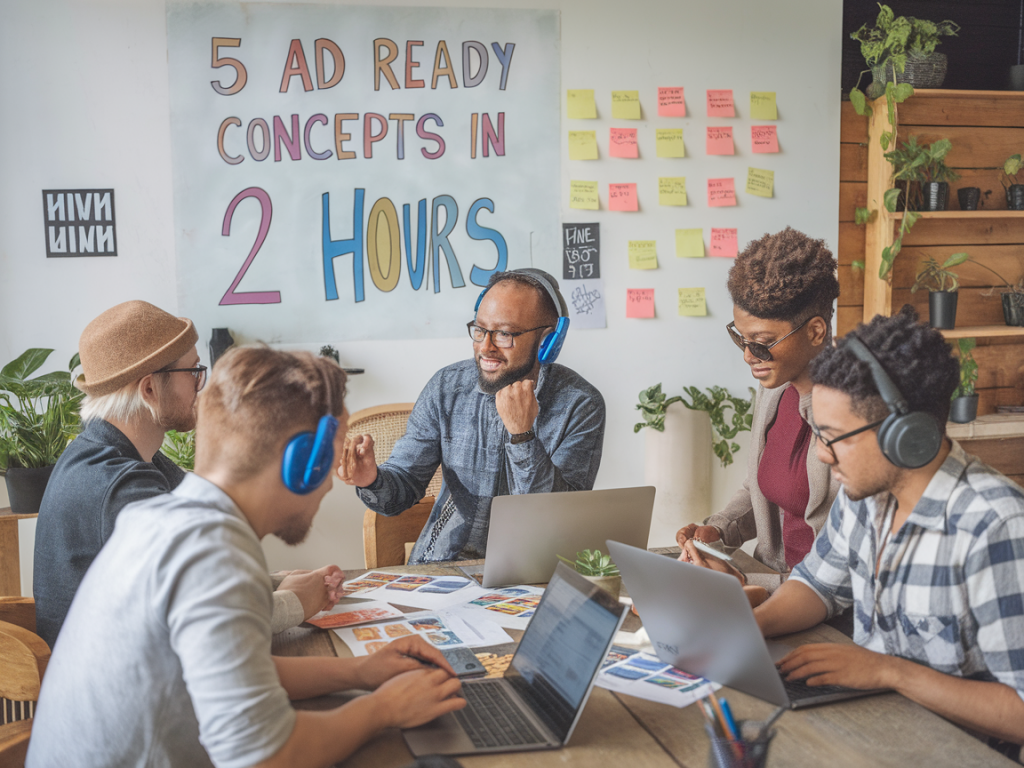
I run fast creative sessions in Figma because time pressure forces decisions, and decisions generate assets you can actually ship. Over the past few years I’ve refined a two-hour “creative lab” that reliably spits out five ad-ready concepts a small team can scale into a week-long production cycle. Below I share the exact agenda, roles, Figma setup, techniques and export rules I use — plus a few guardrails to keep things useful instead of messy.
Why a two-hour lab?
Two hours is long enough to iterate and prototype, short enough to prevent scope creep. In that window you get: quick divergent thinking, basic visual prototypes, and a single round of alignment so the business can decide which concepts to scale. For small teams or agencies, this format replaces endless Slack threads and bloated creative decks with tangible, test-ready assets.
Who should be in the room
Keep the group tight. I recommend 3–5 people with these roles:
Pre-lab prep (15–30 minutes before)
Prep is everything. The lab should be synthesis and execution, not research. Send the team a one-page brief 24 hours ahead. Include:
In Figma, create a base file from a prepared template. I keep a “Creative Lab Starter” file with common frames for each format, grid guides, and a components page. Duplicate that before the session so you always have a clean file.
Figma file structure I use
Organize the file so anyone can jump in:
I enforce naming conventions: page names are “Concept A — Hook”, frame names are “FB Feed — Concept A — 1200x628”. That makes batch exports and handoffs painless.
Two-hour agenda (strict timebox)
| Time | Activity | Outcome |
|---|---|---|
| 0:00–0:10 | Brief recap & constraints | Everyone aligned on objective and specs |
| 0:10–0:30 | Rapid ideation (silent sketching / thumbnails) | 10–15 quick hooks across team |
| 0:30–0:50 | Cluster and pick five concepts | Top 5 hooks chosen |
| 0:50–1:40 | Design sprint — bring each concept to ad-ready prototype | Five polished frames per primary format |
| 1:40–1:55 | Internal critique & tweaks | Final refinements |
| 1:55–2:00 | Export & next steps | Exported assets and production checklist |
How we ideate quickly
We do a two-step approach: silent thumbnails, then clustering. Everyone has a shared Figma page with small thumbnail frames (200x200). For 20 minutes each person adds 6–8 tiny concepts — no polishing. After that, facilitator groups similar ideas and the team votes with emoji reactions. This avoids one loud voice dominating and generates true variety.
Design sprint tactics inside Figma
When executing the five finalists, I apply these practical tactics:
Trade-offs and speed hacks
We accept a few deliberate compromises for speed:
Delivering ad-ready exports
Getting from prototype to ad-ready means consistent naming, correct specs and an export checklist I enforce inside Figma:
Handoff and scale-up (what comes after the two hours)
The lab produces five concepts and a clear recommendation on which to test. Handoffs look like this:
For testing, I also include a quick content matrix: each concept gets 3 headline variations and 2 CTA variations. That’s 30 small creative permutations — enough to start an A/B test without bloating production time.
Common pitfalls and how I avoid them
There are recurring mistakes teams make. Here’s how I mitigate them:
If you want, I can share the starter Figma template I use (components, auto-layout blocks, export page). It’s the fastest way to run your first two-hour lab and come out with test-ready creative instead of vague directions. Drop me a link to your brief and I’ll adapt the template for your formats and brand constraints.